

Selling a gaming PC can feel complicated when customers start asking about processors, graphics cards, RAM, storage, and other technical specifications. But rent-to-own (RTO) sales teams do not need to become computer experts to help customers make an informed choice.
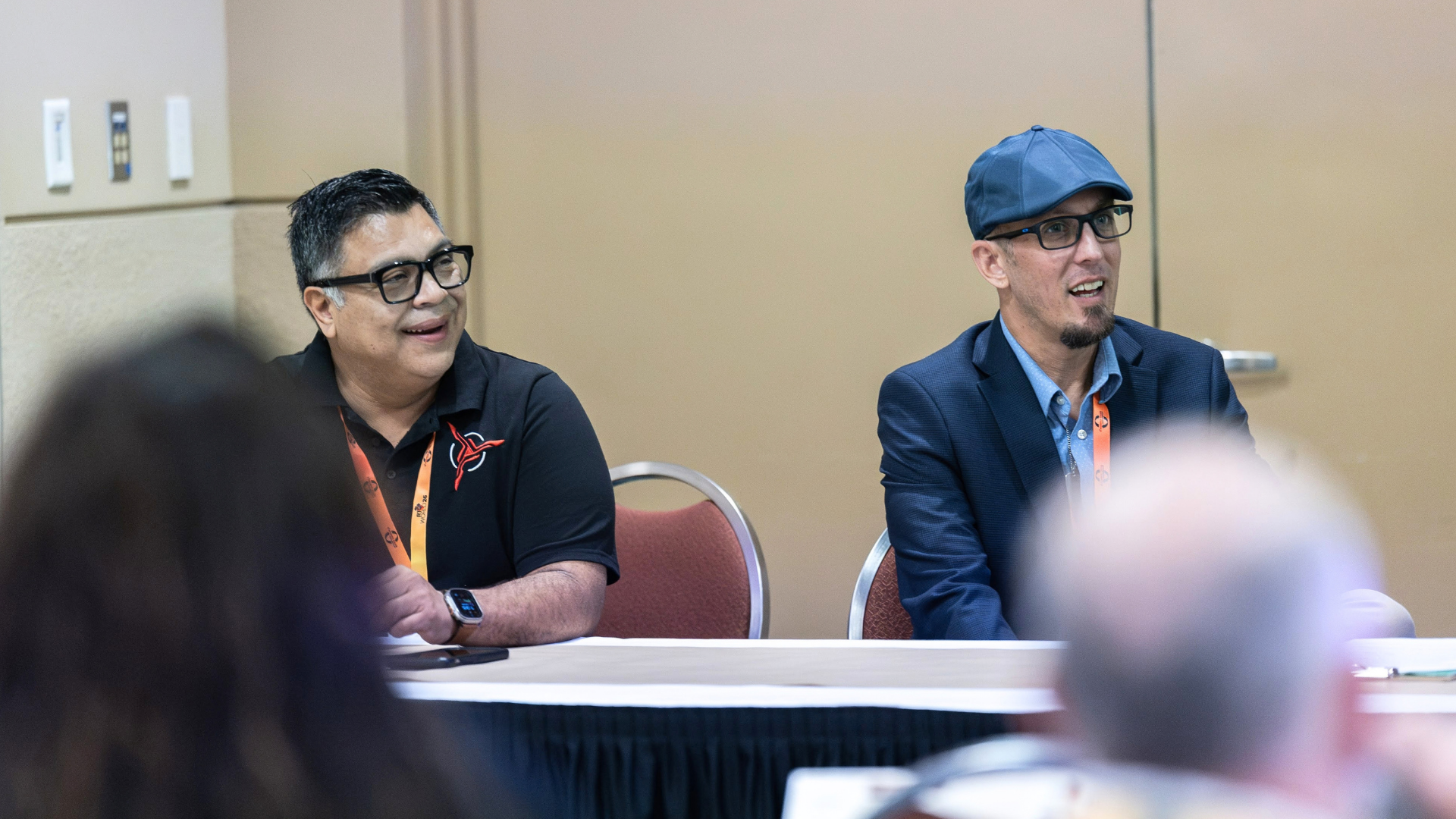
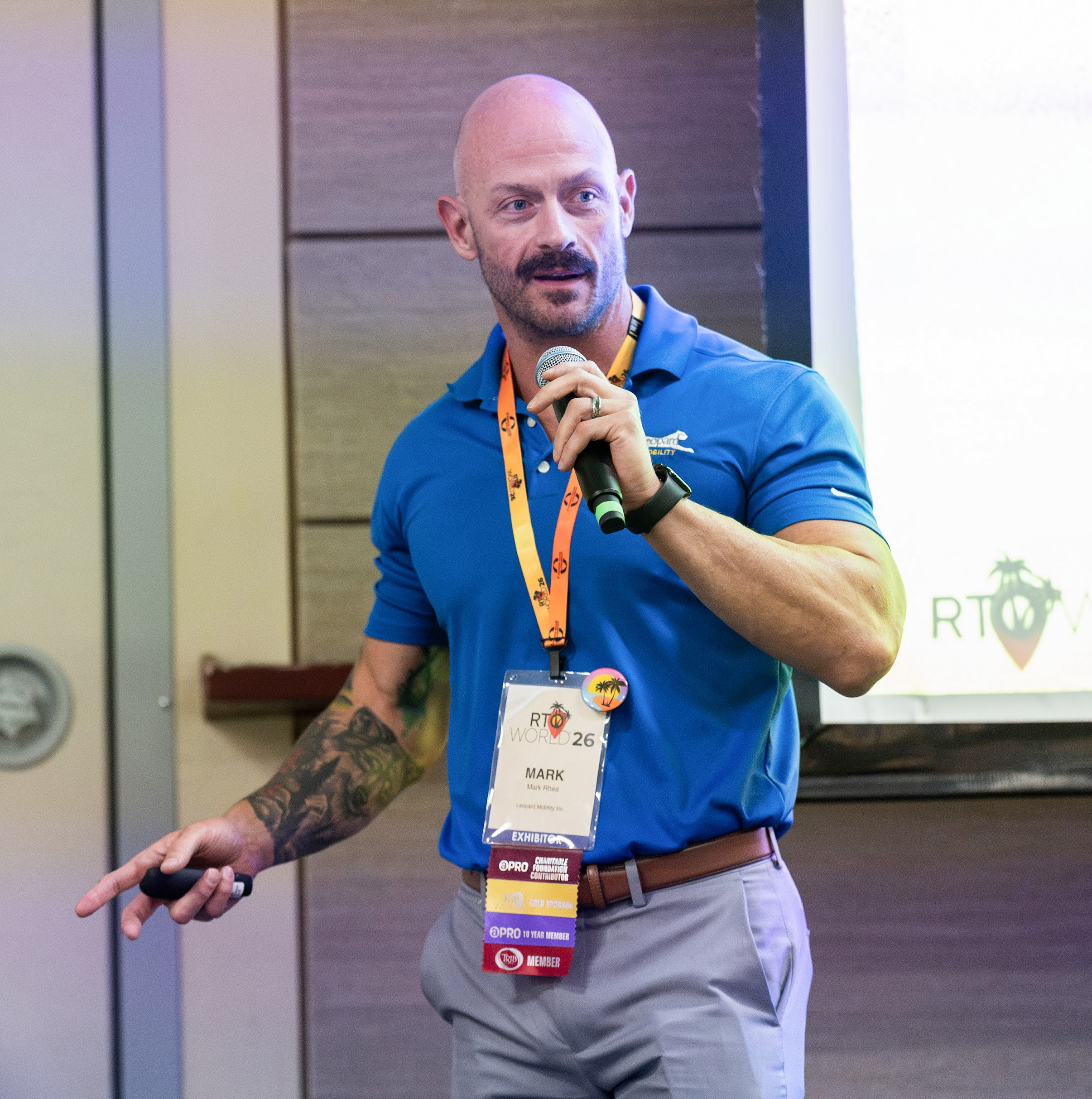
During Stop Playing Around, Start Selling Gaming PCs at RTO World 2026, Jake Dillon, Director of Training & Development at Arona Corporation, dba Arona Home Essentials, broke the process into practical concepts sales teams can learn and apply. Daniel Calderon of Skytech Gaming and Mark Rhea of Leopard Mobility Inc. also contributed product and sales perspectives during the session.
The central lesson was simple: understand the basics, ask customers how they plan to use the computer, and connect those needs with the right system.
Selling Gaming PCs Starts With Four Components
Dillon encouraged sales teams to begin by understanding four major PC components: the processor or CPU, RAM, graphics card or GPU, and storage.
The CPU acts as the computer’s primary processor, while RAM supports responsiveness and multitasking. The GPU handles the graphics customers see on screen and plays an especially important role in gaming performance. Storage determines how much room customers have for games, programs, the operating system, and other files.
Salespeople do not necessarily need to memorize every model number or technical term. Instead, they need enough knowledge to understand how these components work together and recognize that a customer’s intended use should guide the recommendation.
That becomes particularly important with storage. Games can consume substantial space, and customers may also want room for additional programs, saved gameplay, videos, and other files. Dillon encouraged sales teams to discuss how customers plan to use the PC rather than focusing only on processing power or appearance.
Ask What the Customer Wants to Play
One of the most useful questions in the gaming PC sales process is also one of the simplest: What games do you want to play?
Customers do not need to know the technical requirements themselves. Once a salesperson knows what they want to play, the salesperson can research those games’ requirements and determine what kind of system can support them.
Dillon illustrated the importance of that step with a personal experience. Years ago, he purchased a PC game only to discover after installing it that his computer did not meet the game’s minimum requirements. The computer simply lacked the necessary power to run it.
For rent-to-own sales teams, that experience translates into a practical lesson. Helping customers choose a computer based solely on appearance or price can create problems if the system cannot perform the way they expect.
Match the Monitor to the Experience
The computer itself is only part of a gaming setup. Dillon also encouraged sales teams to consider the monitor.
Resolution, refresh rate, response time, and compatibility with the computer’s graphics capabilities can all affect the experience. Rather than assuming one monitor works equally well for everyone, salespeople can ask how the customer intends to use the system and recommend an option that complements the PC.
This follows the same principle as selecting the computer: start with what the customer wants to accomplish.
Qualify Before You Recommend
Later in the session, Rhea reinforced qualification as the most important part of the gaming PC sales conversation.
“What puts you in the market for a computer?” he offered as one possible starting question.
A customer buying a system for a child who plays less demanding games may need something very different from a customer interested in more resource-intensive gaming. By asking questions first, salespeople can narrow the options instead of assuming every gaming customer needs the same level of equipment.
Dillon made a similar point when discussing appearance. Customers may gravitate toward colorful lighting, distinctive cases, and other visual features, but those features do not determine whether the computer has the performance needed for the games they want to play.
For RTO teams, selling gaming PCs with confidence does not require memorizing an endless list of specifications. It requires enough product knowledge to ask better questions, understand the customer’s intended use, check the requirements of the games they want to play, and connect those needs with an appropriate system.
APRO members can watch the full Stop Playing Around, Start Selling Gaming PCs replay for Dillon’s complete breakdown of gaming PC components, monitors, game requirements, and additional sales guidance from RTO World 2026.
About Arona Corporation, dba Arona Home Essentials
Arona Home Essentials is a national rent-to-own dealer with more than 50 locations across the United States. The company offers furniture, electronics, appliances, tires, and other home essentials through flexible weekly, biweekly, and monthly rental-payment options. Arona Home Essentials has been an APRO member since 2004.
About Leopard Mobility Inc.
Leopard Mobility Inc. is a Dallas-based wireless solutions provider specializing in mobile products and services for the rent-to-own industry. Founded in 2013, the company provides RTO dealers with a turnkey solution for smartphones, tablets, accessories, gaming computers, warranties, repairs, refurbishment, and related support services. Leopard Mobility Inc. has been an APRO member since 2015.
About Skytech Gaming
Skytech Gaming is a computer hardware company specializing in high-performance prebuilt and custom gaming PCs for new and experienced gamers. Founded in 2016 and based in Ontario, California, the company designs, assembles, and tests its gaming computers in the United States using components from leading technology brands. Skytech Gaming has been an APRO member since 2026.

