


A customer walks into your store looking for a gaming PC. They may know exactly which games they want to play – or they may be a parent shopping for a child, drawn to a colorful case without knowing what’s inside. Either way, the sales conversation starts with understanding what that customer needs.
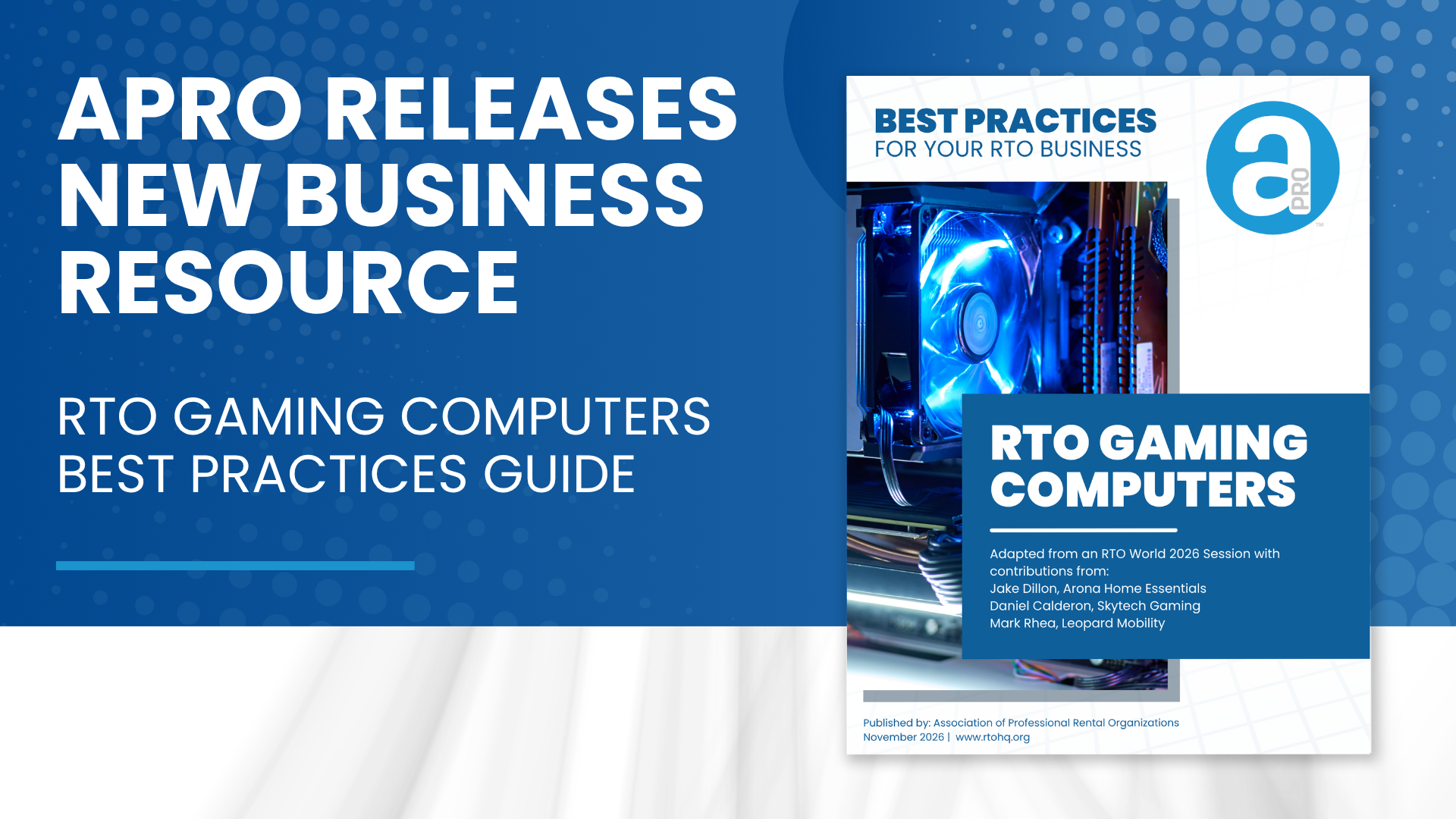
APRO’s new RTO Gaming Computers Best Practices Guide helps APRO members approach those conversations with confidence while building the inventory, merchandising, and vendor relationships needed to support a successful gaming PC category.
Adapted from an RTO World 2026 session – Stop Playing Around, Start Selling Gaming PCs – the guide includes contributions from Jake Dillon of Arona Home Essentials, Daniel Calderon of Skytech Gaming, and Mark Rhea of Leopard Mobility. It brings their industry knowledge into a practical resource for owners, managers, and sales teams.
Start with the Customer
The guide’s central message is straightforward: Qualify before you recommend.
Employees don’t need to memorize every specification or become computer engineers to help customers choose a gaming PC. They do need to ask who will use the computer, what it will be used for, and which games the customer wants to play.
Those answers give staff a starting point for checking game requirements, explaining differences between models, and recommending a system that fits. They also help uncover needs beyond the PC itself, including a monitor, desk, chair, headset, or additional storage.
Getting that first conversation right can help set realistic expectations, reduce preventable returns, and build customer confidence.
12 Best Practices for a Stronger Gaming PC Category
The guide pairs explanations of why each topic matters with recommended practices and common mistakes to avoid. Its 12 recommendations cover:
- Understanding the core components that affect PC performance
- Checking game requirements before recommending a system
- Using a PC’s appearance to start the conversation while evaluating what’s inside
- Matching the monitor to the PC and the customer’s needs
- Planning for storage requirements
- Offering a complete gaming setup
- Learning which games local customers want to play
- Building a clear Good-Better-Best lineup
- Reevaluating aging inventory
- Staying informed about pricing and supply changes
- Using vendor training, spec sheets, and sales resources
- Choosing vendors with dependable warranty and technical support
Together, these practices connect what happens on the sales floor with the purchasing and support decisions that shape the customer’s experience.
Keep Your Lineup Relevant
Gaming PC components and game requirements change over time. A model that once represented the top of a store’s lineup may eventually fit a different tier, and a configuration that sold well in the past may no longer match what customers are asking for.
The guide encourages members to listen for patterns in customer requests, review the capabilities of existing inventory, and work with vendors to maintain a lineup employees can clearly explain.
It also highlights opportunities to merchandise gaming PCs alongside products stores may already carry. Showing a complete setup can help customers identify what they need and see how the pieces work together in their homes.
Put Vendor Partnerships to Work
Vendor relationships are an important part of both selling gaming PCs and supporting them after they leave the store.
Training, product information, demo videos, and accessible spec sheets can help employees answer questions without relying on memory. Clear warranty procedures and support contacts help teams respond when customers need assistance.
The guide encourages members to understand those resources before a problem arises and make them easy for employees to find and use.
Bring the Guide to Your Team
Use the guide as a starting point for a staff meeting, a review of your current lineup, or a conversation with your gaming PC vendors. Choose one practice to work on first, whether that means adding qualifying questions to the sales process, placing spec sheets near display models, or reviewing how employees handle support requests.
A successful gaming PC category starts with informed recommendations and continues through thoughtful inventory management and dependable service. APRO’s new guide gives members practical steps to strengthen each part of that experience.
Download the RTO Gaming Computers Best Practices Guide and share it with your team.

