

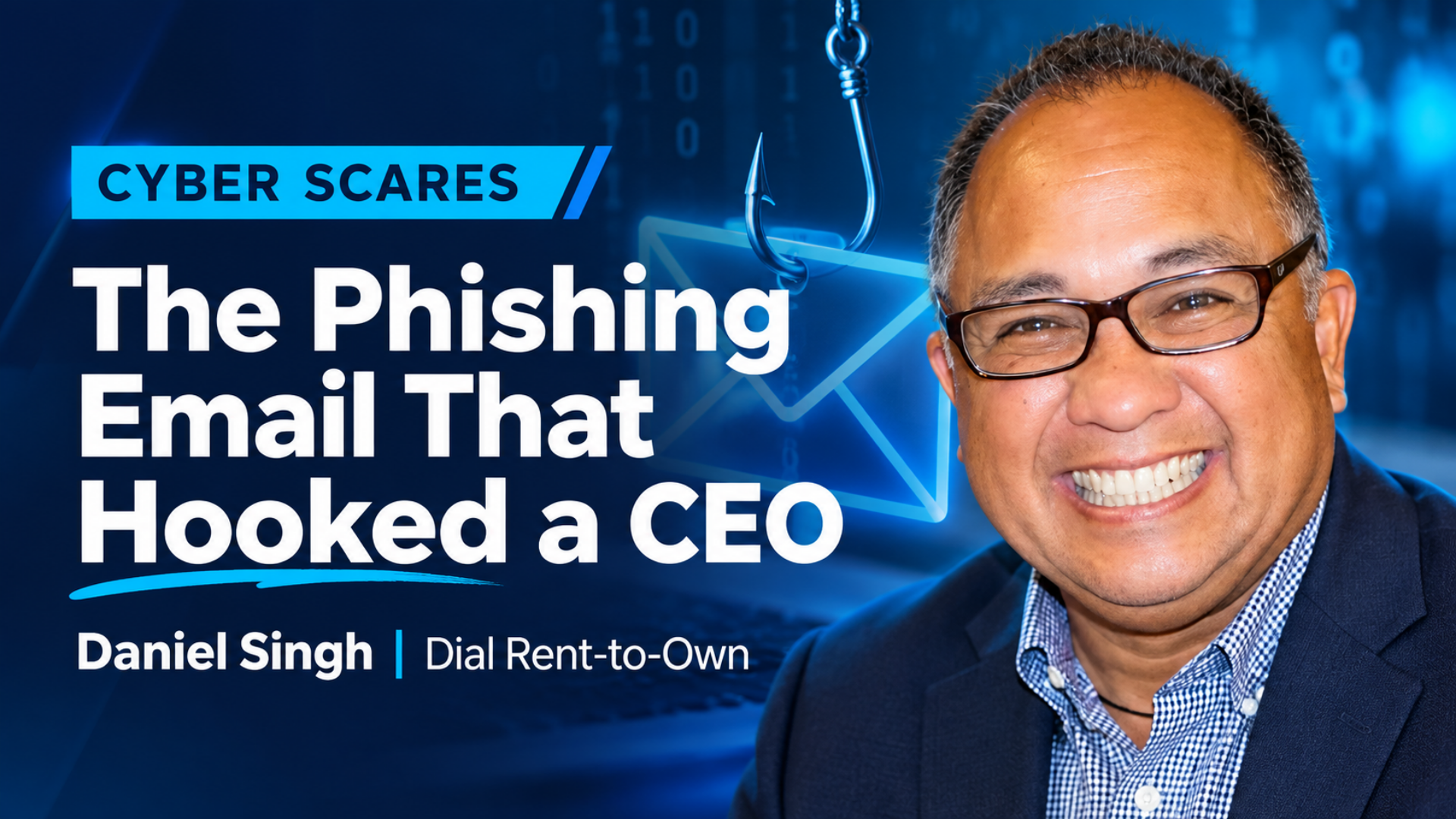
It started with an email that looked perfectly legitimate.
An employee at APRO member Dial Rent-to-Own received what appeared to be a Microsoft Office 365 message warning that her emails were being held. To release them, she was instructed to enter her password. She did, the apparent problem disappeared, and business carried on as usual.
Except someone else now had the keys.
As part of APRO’s Cyber Scares: Real Stories from Rent-to-Own series for Cybersecurity Awareness Month, APRO is revisiting a real-world cyberattack shared by Dial Rent-to-Own CEO Daniel Singh, when one convincing phishing email ultimately led to a $9,600 loss.
A Very Convincing Imposter
Singh learned something was wrong when a GE representative called asking about a missing $9,600 payment. Dial’s records showed the money had been sent, complete with confirmation of a wire transfer.
There was just one problem: GE hadn’t received it.
After investigating, GE determined the bank account receiving the transfer was not theirs. Dial began tracing what had happened and discovered the earlier phishing email. With the employee’s email credentials in hand, the attacker had been able to step into real business conversations and make the deception look legitimate.
The attacker began directing employees to use a different payment method and send money to an alternate bank account. Using the employee’s compromised credentials, the attacker also communicated through Microsoft Teams with Dial’s accounting office, repeatedly following up and applying pressure to get the payment processed.
Meanwhile, the fraudulent conversations were being deleted so the employee whose account had been compromised would not see what was happening.
The wire went through.
GE never received it.
Dial lost $9,600.
The Warning Signs Were There
Looking back, Singh identified several moments when the attack could have been stopped.
The employee who received the original Microsoft impersonation email did alert her supervisor. But because her email appeared to be working normally again, they believed the problem had been resolved.
There were other clues. The fraudulent messages appeared to come from the correct contact, but examining the full email address revealed an unusual address and domain. The requested payment method had also changed, with instructions to wire money to a bank in Dubai.
Most importantly, Singh said one simple step could have changed the outcome: pick up the phone.
“All of this could have been averted if we would have just made some simple phone calls within the office or with GE and verified the information.”
That lesson is especially important when an email or message suddenly changes established business procedures, requests money, redirects a payment, or creates pressure to act quickly.
Stop Before You Send
Phishing attacks work because they often imitate something ordinary: a familiar company, a coworker, a routine login, or an existing business transaction.
The Cybersecurity and Infrastructure Security Agency’s (CISA) Secure Our World campaign encourages people and organizations to recognize and report phishing and to use multifactor authentication as an additional layer of account protection. CISA also recommends strong passwords and password managers, along with keeping software updated.
For rent-to-own businesses, Singh’s experience offers a few practical reminders:
- Treat unexpected login requests cautiously. Instead of following a link in an email, go directly to the service or application.
- Look beyond the display name. An email can show the name of someone you recognize while originating from an unfamiliar address or domain.
- Question sudden changes in payment instructions. A new account, unusual payment method, or unexpected destination deserves independent verification.
- Do not let urgency replace verification. Pressure to move quickly can itself be a warning sign.
- Verify unusual requests another way. Call a known phone number or contact the person through an independently established channel rather than replying to the suspicious message.
- Report suspicious activity internally. An employee who thinks something may be wrong should know exactly where to raise the alarm.
- Use multifactor authentication (MFA) where available. MFA adds another obstacle for an attacker who manages to obtain a password.
For executives, accounting teams, administrators, and employees with access to sensitive systems or financial processes, those safeguards are particularly important. A compromised account becomes far more valuable when an attacker can use it to impersonate a trusted person or influence a financial transaction.
This Week’s Cyber Habit: Stop, Verify, and Report
Singh has a rather memorable summary of what happened to Dial:
“We were phished, we were hooked, and we were cooked.”
The humor comes with an expensive lesson. When something involving money, credentials, or account access seems unusual, even slightly, verification can be worth far more than the few minutes it takes.
And cybersecurity preparation does not end with preventing an attack.
Watch the Full Story and Keep Learning
Hear the full Big Fish Story directly from Daniel Singh, CEO of Dial Rent-to-Own, as he recounts how a convincing phishing email led to a costly cyberattack and the warning signs his team recognized afterward.
Then continue the conversation with APRO’s Cyber Insurance Demystified: What You Need Before the Breach on October 28, 2026, from 10–11 AM CT. The webinar will explore what cyber insurance does and does not cover, changes in underwriting, and considerations businesses should understand before an incident occurs.

